Platform

MetaTrader 4 Trading Platform

MetaTrader 4 is a desktop trading platform for viewing broker-supplied quotes, analyzing charts, placing and managing orders, monitoring open positions and reviewing account activity. Market Watch, chart windows, order controls and the Terminal area keep the main trading workflow inside one interface.

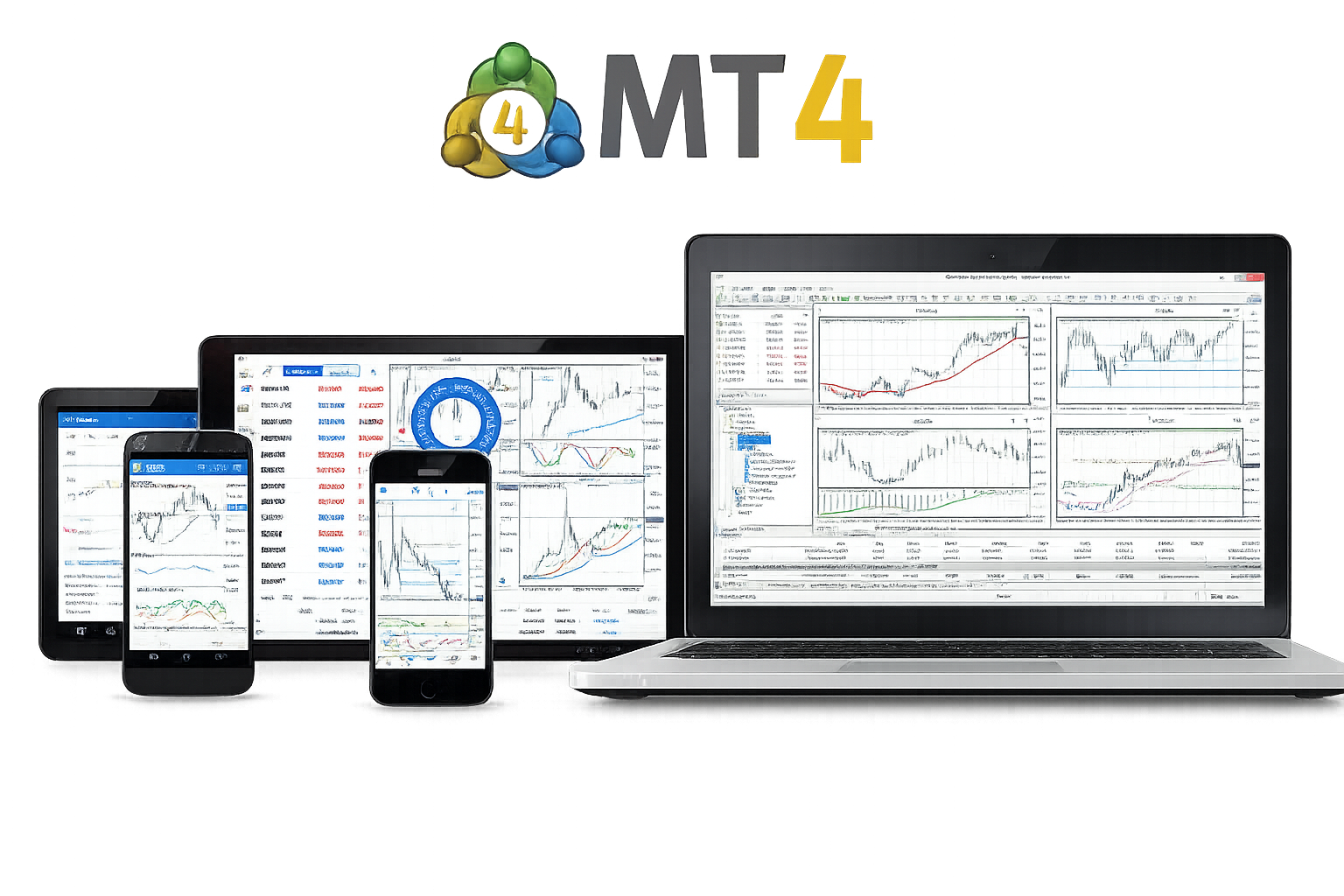
MetaTrader 4 platform interface with charts, quotes and order tools

Market Watch and Technical Analysis

Market Watch is the starting point for many MT4 workflows. It shows the symbols and Bid/Ask prices supplied by the connected account server, while chart windows, indicators and analytical objects provide the tools used to study price movement before an order is placed.

Market analysis

Move from live quotes to chart analysis

Select a symbol in Market Watch, open its chart and review price action with the built-in analytical tools. Because quotes, charts and trading commands sit in the same terminal, the user can move from market monitoring to order preparation without switching applications.

Bid and Ask quotes

Market Watch displays the current Bid and Ask prices supplied by the trading server, along with the symbols available to the active account.

Account-specific symbols

The symbol list, trading permissions and contract settings can differ by broker and account because they come from the connected server rather than from MT4 alone.

MetaTrader 4 Charts, Timeframes and Indicators

MetaTrader 4 provides interactive charts with 9 timeframes, 30 built-in technical indicators and 23 analytical objects. Traders can change chart periods, apply indicators and draw on the chart while keeping the same symbol connected to the order and account workflow.

9 chart timeframes

MT4 supports chart periods from one minute through one month, allowing the same symbol to be reviewed across short-term and longer-term price horizons.

23 analytical objects

Trend lines, channels and other analytical objects can be placed directly on charts to mark price structure, levels and areas used during technical analysis.

30 built-in technical indicators

The platform includes 30 built-in technical indicators, with additional custom indicators available through the broader MQL4 ecosystem.

MetaTrader 4 Order Types and Trade Execution

The MT4 trading system supports 3 execution modes, 2 market orders, 4 pending orders, Stop Loss, Take Profit and a trailing stop. Orders can be prepared from Market Watch, trading windows or directly from charts, depending on the workflow.

01

Market and pending orders

Use Buy or Sell market orders for current-price trading, or Buy Limit, Sell Limit, Buy Stop and Sell Stop orders when the trade should wait for a predefined price.

02

Stop Loss, Take Profit and trailing stop

Protective levels can be attached to orders or positions, while trailing stop can adjust Stop Loss as price moves in a favorable direction when the desktop terminal is running.

03

Positions and trading history

The Terminal window shows active positions, pending orders, open prices, volumes, protective levels, account values and completed trade history in the same platform environment.

Desktop, Mobile and Browser Access

The desktop terminal is the main MT4 environment for full charting, order management and MQL4 programs. Mobile apps extend quote, chart and trade access to iPhone, iPad and Android devices, while browser-based trading is available when supported by the connected trading service.

Desktop is the full MT4 workspace

Desktop MT4 combines Market Watch, multiple charts, indicators, order handling, account history, terminal logs, scripts and Expert Advisors in the most complete version of the platform.

Desktop Web Mobile Account Access

Mobile and web extend account access

Mobile and browser access are useful for checking quotes, charts, positions and supported trading functions when the desktop terminal is not available.

MetaTrader 4 Web Trading

MetaTrader 4 web trading provides browser-based access to supported trading accounts without requiring the desktop terminal on that device. Availability depends on the trading service and server environment used by the account.

Access MT4 from a supported browser

Browser access can be useful on a computer where the desktop terminal is not installed, provided the account and server support MT4 web trading.

Browser features differ from desktop MT4

Web access covers quotes, charts, account information and trading functions, but it does not replace the desktop environment for full MQL4, scripts and Expert Advisor workflows.

MetaTrader 4 Mobile Trading

MetaTrader 4 mobile apps for iOS and Android are designed for live quotes, interactive charts, technical indicators, trading orders and account monitoring from phones and tablets.

Use the same trading account away from desktop

Mobile MT4 can connect to an existing trading account so the user can monitor prices, positions and account history or manage supported orders without staying at the desktop terminal.

Quotes and charts

Follow broker-supplied quotes and use mobile charts and indicators to review price movement on the connected account.

Orders and positions

Review open positions and use the supported mobile order functions to place or manage trades while away from the desktop.

Account history and status

Check account values and trading history from the mobile app while using the same broker account and server environment.

MetaTrader 4 Trading Platform FAQ

Common questions about MT4 charts, indicators, order types, execution modes, desktop features and access from mobile devices or a browser.

How many timeframes and indicators does MetaTrader 4 have?

MetaTrader 4 includes 9 chart timeframes, 30 built-in technical indicators and 23 analytical objects. Custom indicators can also extend the desktop terminal.

What order types does MetaTrader 4 support?

MT4 supports 2 market orders, 4 pending orders, Stop Loss, Take Profit and trailing stop. The platform also supports three execution modes, depending on the symbol and broker environment.

Can I trade directly from an MT4 chart?

Yes. MT4 supports trading from charts, including one-click market orders and chart-based placement of available pending-order types.

What is the difference between desktop, mobile and web MT4?

Desktop provides the full MT4 environment, including MQL4 programs and Expert Advisors. Mobile focuses on quotes, charts and trade management, while browser access provides supported account and trading functions without a local desktop install.


Related content

Continue with MetaTrader 4 download or account access

Use the download section to choose a desktop or mobile version, or continue to Accounts for real and demo account differences, login credentials, passwords and trading-server access.