
Download MetaTrader 4

Desktop and mobile versions of the MetaTrader 4 trading platform

MetaTrader 4 for Desktop

Choose the MetaTrader 4 version that matches your device. The desktop terminal is the main environment for full charting, order management, MQL4 programs and Expert Advisors, while mobile apps focus on quotes, charts, account access and trade management.

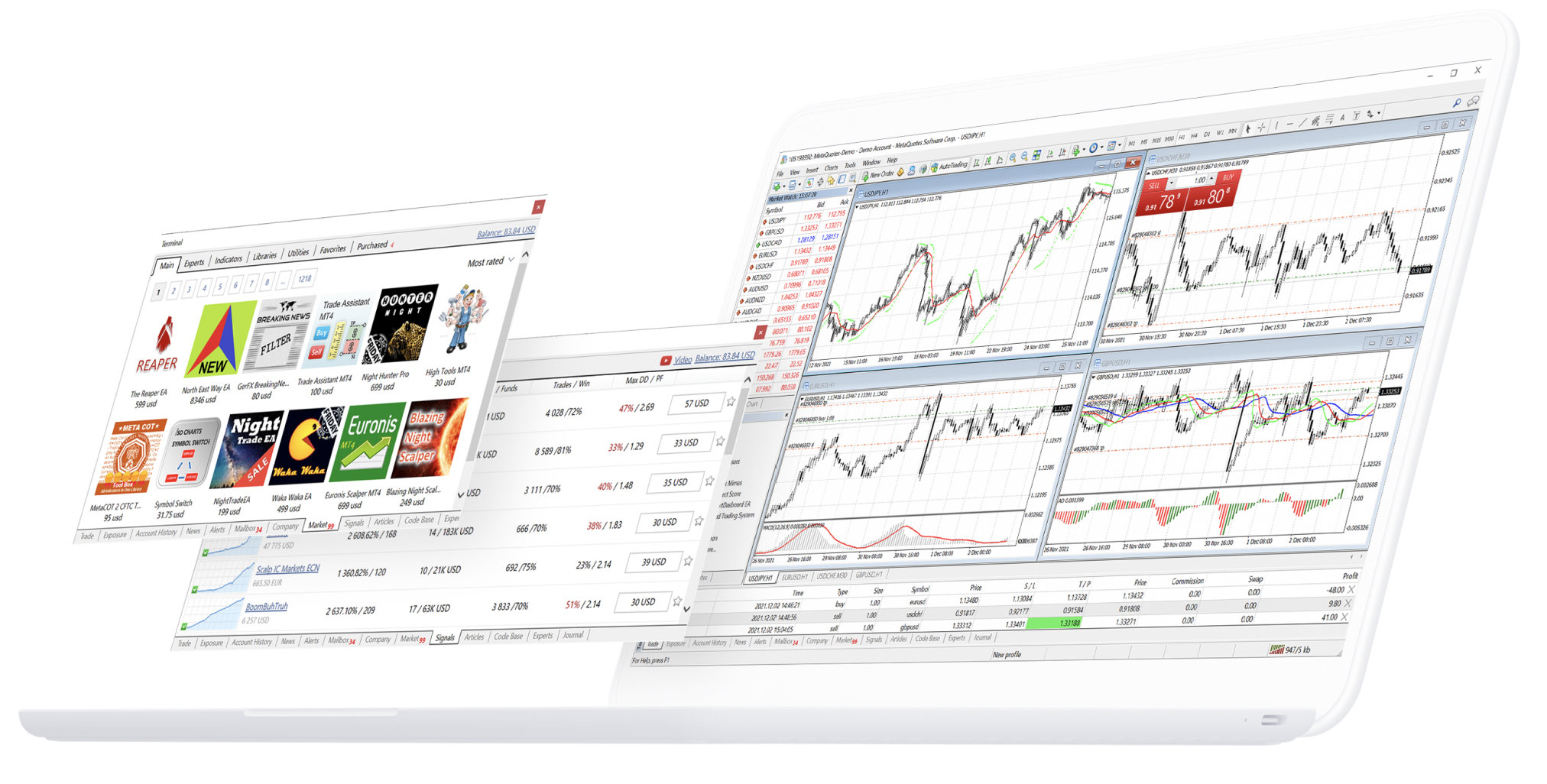
MetaTrader 4 desktop trading terminal

Download MetaTrader 4 for Windows or macOS

The desktop terminal provides the full MetaTrader 4 workspace for market quotes, interactive charts, technical indicators, market and pending orders, account history, scripts and Expert Advisors. After installation, an existing trading account still needs the correct account number, password and server before live account data can load.

MetaTrader 4 desktop terminal for chart analysis and order management

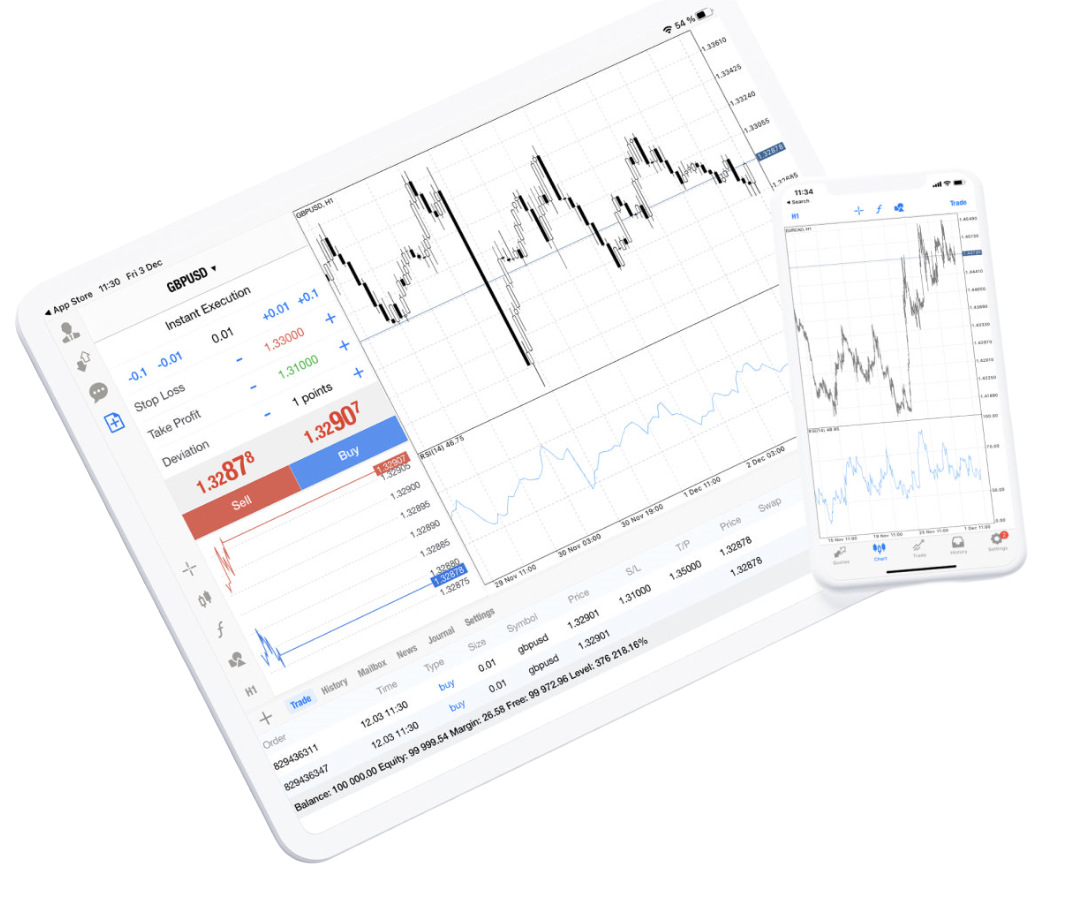
MetaTrader 4 for iPhone and iPad

The iPhone and iPad app is designed for mobile account access, real-time quotes, chart analysis and trade management. Use it to connect an existing account, check open positions, review history and manage supported orders when you are away from the desktop terminal.

  • Real-time quotes from the connected trading server
  • Existing account and trading server connectivity
  • 30 technical indicators and 24 analytical objects
  • Market, pending and protective order controls
  • Open positions and trading history
  • 3 chart types across 9 timeframes
  • Financial news and platform messages
  • Push notifications, email and chat
MetaTrader 4 mobile trading on iPhone and iPad

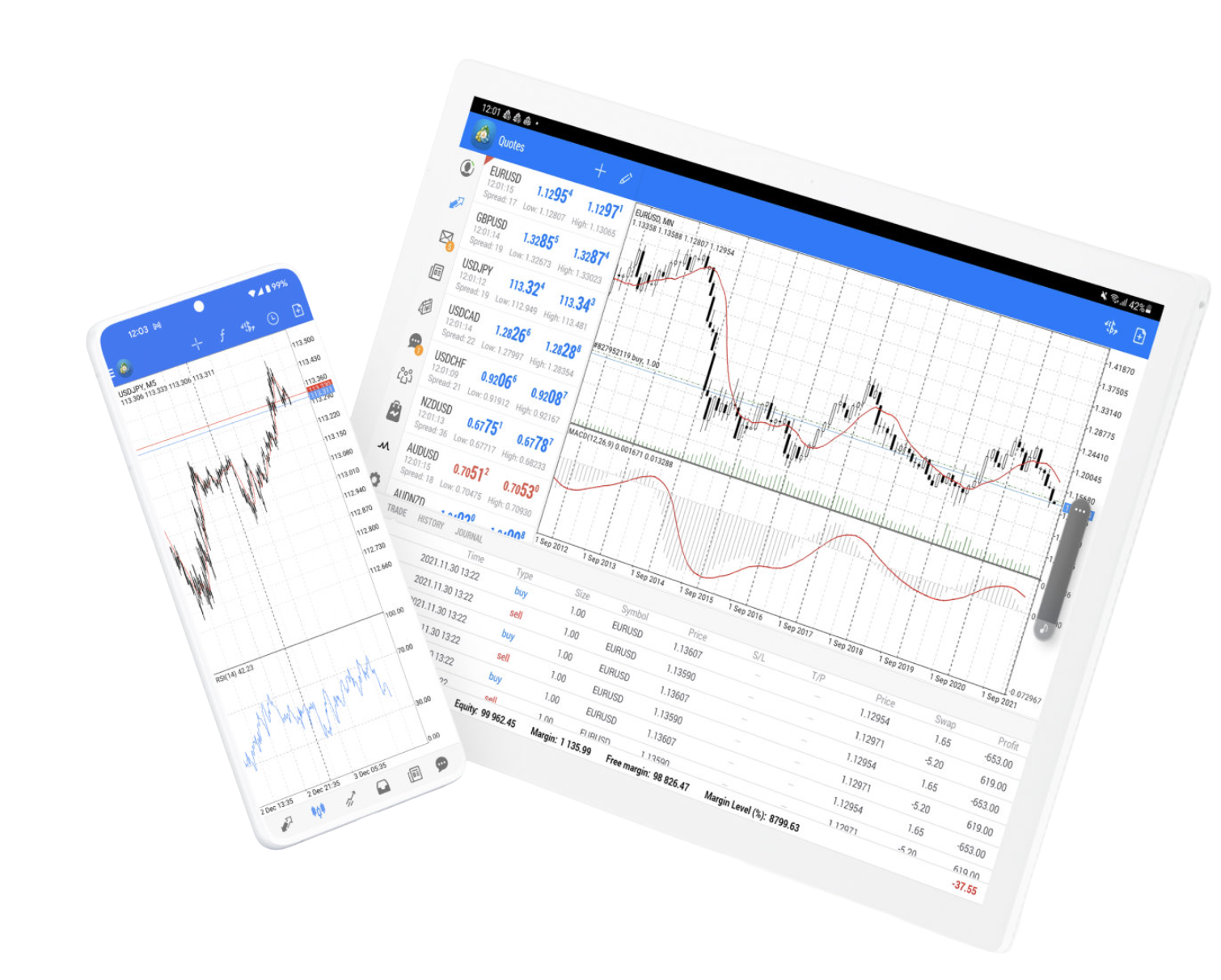
Download MetaTrader 4 for Android

MetaTrader 4 for Android provides quotes, charts, technical indicators, trading orders and account monitoring on supported phones and tablets. It connects to an existing trading account and loads the symbols, prices and permissions available from that account server.

MetaTrader 4 on Android phones and tablets
  • Real-time quotes and connected account status
  • Broker account and trading server connectivity
  • 30 technical indicators and 24 analytical objects
  • Trading orders and position management
  • Trading history and available symbols
  • 3 chart types across 9 timeframes

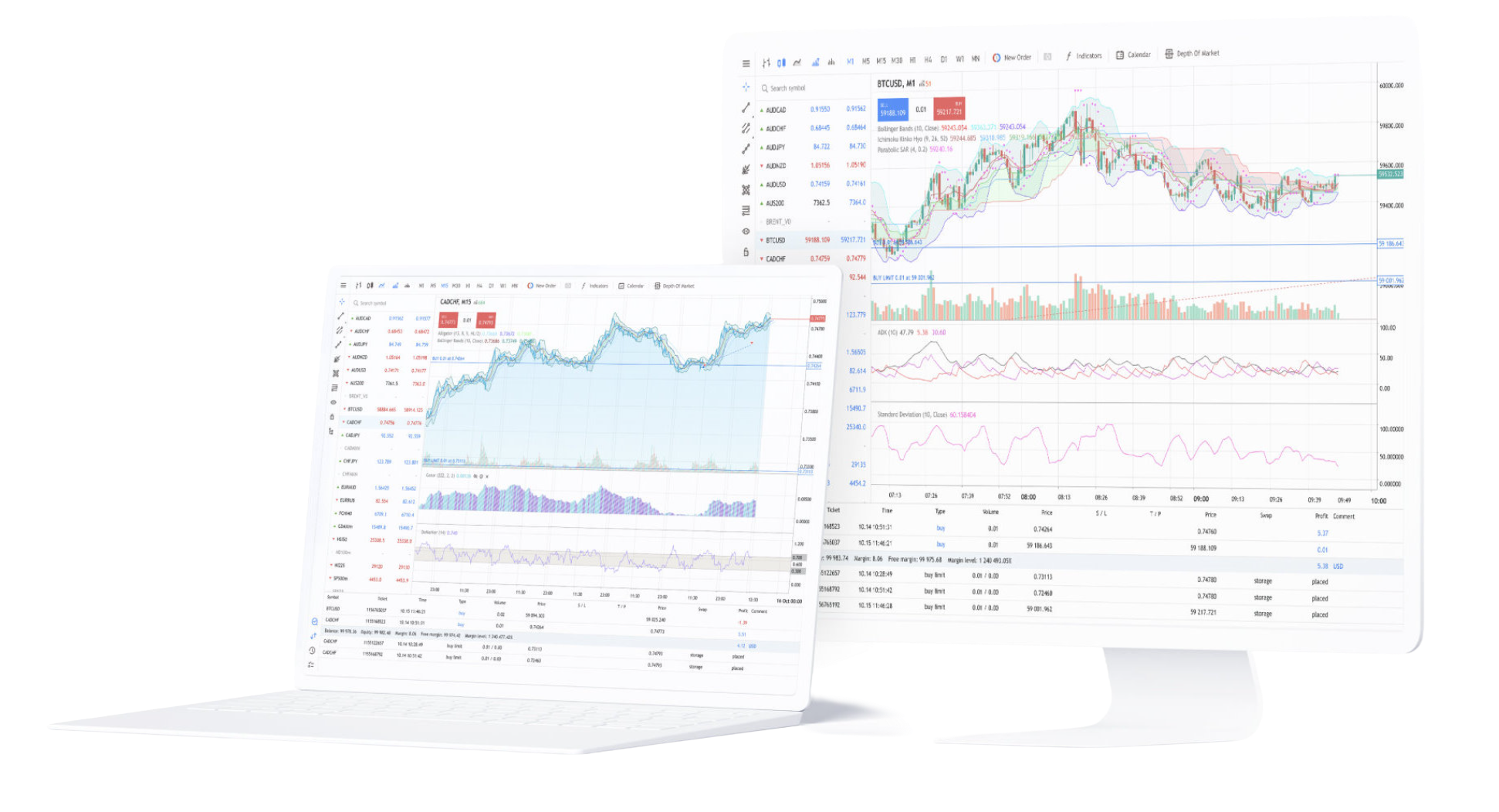
MetaTrader 4 Web Trading in a Browser

MetaTrader 4 web trading can provide browser-based access to a supported trading account without installing the desktop terminal.

The web version supports real-time quotes, 9 timeframes, 30 technical indicators, graphical objects, trading operations and account history. Availability depends on the connected trading service and server configuration, so web access may not be enabled for every MT4 account.

MetaTrader 4 WebTerminal trading interface

Which MetaTrader 4 Version Should You Download?

Choose the version by what you need to do. Desktop is the main choice for Expert Advisors, MQL4 programs and deeper multi-chart work; mobile apps are better for checking markets and managing trades away from a computer; browser access is useful when a supported server allows web trading.

Choose Desktop for Expert Advisors and Full MT4 Tools

Use the desktop terminal when you need multiple charts, custom layouts, scripts, MQL4 programs, Expert Advisors or Strategy Tester. It is also the main option when automated programs need the terminal to stay running.

Choose Mobile for Quotes, Charts and Trade Management

Use the Android or iOS app when you mainly need to follow quotes, review charts, manage supported orders and check account activity from a phone or tablet.

How to Install MetaTrader 4 on Your Device

Installation depends on the device. Windows and macOS use desktop packages, while Android and iOS use mobile applications. Browser-based MT4 does not require a local desktop installation, but it still depends on account and server support.

Install MT4 on Windows or macOS

Download the package that matches the desktop operating system, complete the installer and launch the terminal. Desktop is the full environment for scripts, Expert Advisors and Strategy Tester.

Use MT4 Web Trading Without a Desktop Install

Browser access is useful when local installation is not practical. A valid account, the correct trading server and web trading support from that server are still required.

Install MT4 on Android, iPhone or iPad

Install the app that matches the mobile operating system, then sign in with an existing account and its server. Mobile versions support quotes, charts, technical analysis, orders and account monitoring.

How to Log In to MetaTrader 4 After Installation

Installing MT4 gives you the trading software, not a live trading account. To connect an existing account, enter the account number and password and select the matching trading server. The three details must belong to the same account environment.

Enter the Account Number and Password

Use the login and password assigned to the account. After successful authentication, MT4 can load the account balance, open positions, pending orders and trading history available for that login.

Select the Matching Trading Server

The server name must match the account. Choosing the wrong server can prevent login or leave quotes and account data unavailable even when the account number and password are otherwise correct.

Check the Symbols and Quotes Loaded by the Account

The connected account determines which symbols, prices and trading permissions appear in MT4. Spreads, leverage, market hours and execution conditions are account-specific rather than part of the installation file.

MetaTrader 4 Download FAQ

Common questions about downloading MT4, choosing a device version, installing the desktop or mobile app, using web access and connecting a trading account afterward.

Where can I download MetaTrader 4?

MetaTrader 4 has desktop downloads for Windows and macOS, plus mobile versions for Android, iPhone and iPad. MT4 web trading also exists for browser access when it is supported by the connected trading server.

Which MT4 version should I use for Expert Advisors?

Use the desktop terminal for Expert Advisors, MQL4 programs and Strategy Tester. Mobile apps are designed for quotes, charts, account access and trade management rather than running desktop EAs.

Can I download MetaTrader 4 for Mac?

Yes. A macOS desktop download is available. After installation, you still need an existing trading account, password and matching server to load live account data.

What can MetaTrader 4 mobile apps do?

The Android and iOS apps provide real-time quotes, 3 chart types, 9 timeframes, 30 technical indicators, 24 analytical objects, trading operations, account monitoring and trading history.

Does MetaTrader 4 web trading require installation?

No desktop installation is required for MT4 web trading. It runs in a browser, but the account server must support web access before the account can be used there.

Why do I need an account and server after installing MT4?

MT4 is the trading software, while the connected trading service provides the account and server. The platform needs those credentials to load live quotes, available symbols, account data and trading permissions.